> For the complete documentation index, see [llms.txt](https://pepper-scripts.gitbook.io/pepper-scripts-docs/llms.txt). Markdown versions of documentation pages are available by appending `.md` to page URLs; this page is available as [Markdown](https://pepper-scripts.gitbook.io/pepper-scripts-docs/jobs/pepper-newspaper.md).
# Pepper Newspaper
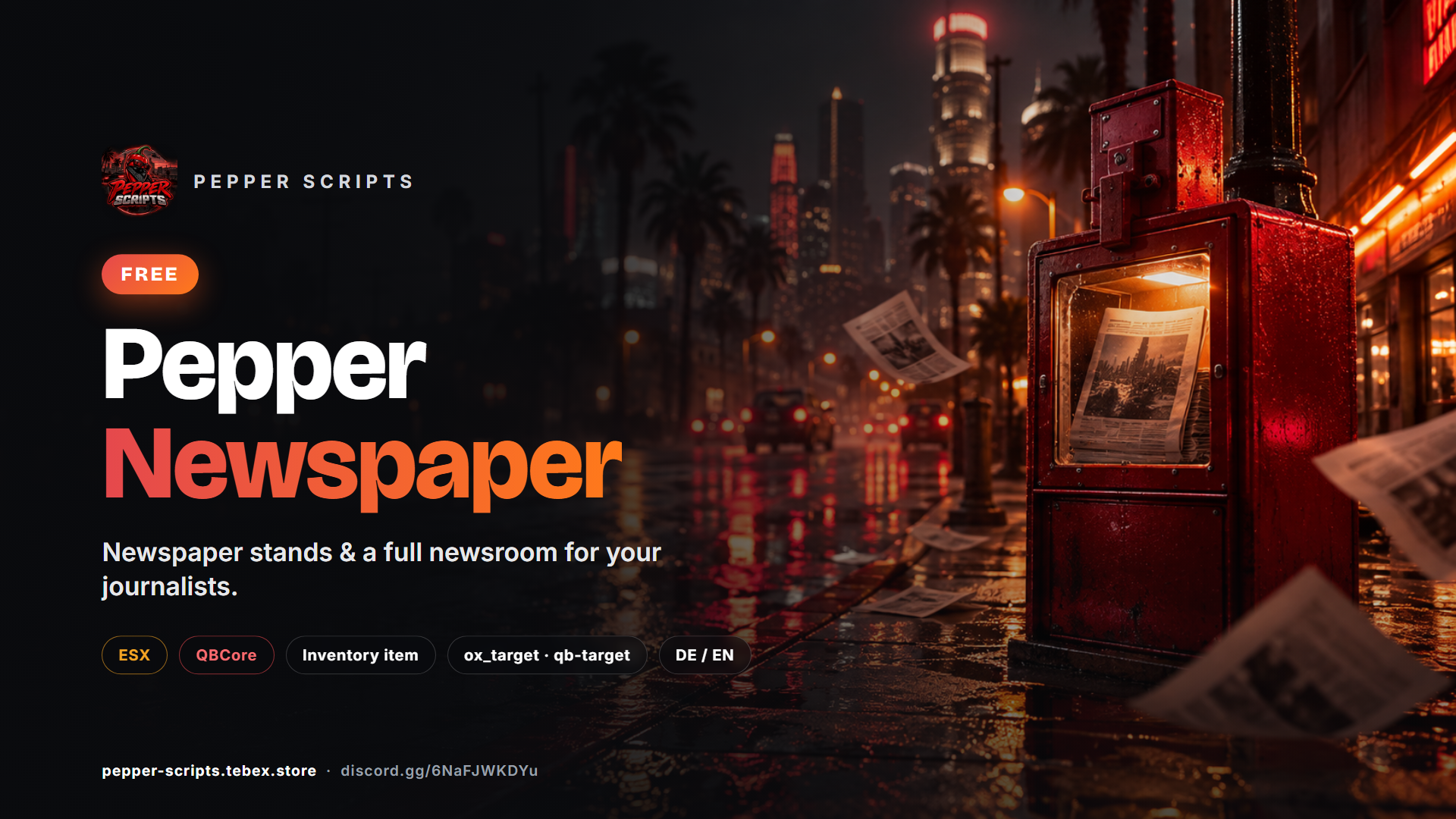
Bring real news to your roleplay server: with **Pepper Newspaper** journalists write their own editions with headlines, articles and images in the newsroom, and players buy the paper at any newspaper stand in the city. The newspaper lands in the inventory as an item and is read when used.
{% hint style="info" %}
🧪 **Tested on our dev server:** Of course we test all scripts continuously on our own dev server “Pepper Scripts”.
{% endhint %}
{% hint style="success" %}
**Free** – get Pepper Newspaper at [pepper-scripts.tebex.store](https://pepper-scripts.tebex.store)
{% endhint %}
### Features
* Buy the newspaper at **every GTA newspaper stand** (ox\_target, qb-target or `E` key)
* **Stand menu** with the latest issue, back issues, cover story and “already in your inventory”
* **The newspaper stays in the inventory** and can be read again and again – with a bookmark (ox\_inventory, qb-inventory)
* `/newsstand` marks the **nearest stand** on map and minimap
* **Sample edition** with 8 articles until the newsroom publishes its first own newspaper
* **Newsroom** for journalists with up to 8 articles, images, preview, publishing and archive
* Permissions per job and rank (write, publish, manage) plus an ACE permission for admins
* Server-wide notification when a new edition is published
* High-quality broadsheet design like a real daily newspaper
* All checks server-side, images only from allowed hosts
* German & English, config, locales and bridge open
### At a glance
| | |
| ---------------- | ----------------------------------------------------------------------- |
| **Version** | 1.1.0 |
| **Framework** | ESX Legacy or QBCore (detected automatically) |
| **OneSync** | supported, not required |
| **Dependencies** | [oxmysql](https://github.com/overextended/oxmysql) |
| **Optional** | ox\_target / qb-target, ox\_inventory |
| **Performance** | approx. 0.01 ms idle / 0.03 ms in use (guide value) |
| **Distribution** | Cfx.re Asset Escrow (`config/`, `locales/`, `bridge/`, `install/` open) |
{% hint style="info" %}
**Open-source variant:** Pepper Newspaper is also available as **Pepper Newspaper (Open Source)** with the full, unencrypted source code – see the [shop](https://pepper-scripts.tebex.store).
{% endhint %}
### Installation
#### Requirements
| Requirement | Version |
| ------------------ | -------------------------------------------------- |
| FiveM server build | 7290+ |
| Framework | ESX Legacy or QBCore |
| Database | [oxmysql](https://github.com/overextended/oxmysql) |
| Optional | ox\_target / qb-target, ox\_inventory |
#### Steps
{% stepper %}
{% step %}
**Download**
Download `pepper_newspaper` from the [Cfx.re Portal → Granted Assets](https://portal.cfx.re/assets/granted-assets).
{% endstep %}
{% step %}
**Copy**
Extract it to `resources/[pepper]/pepper_newspaper` – **do not rename** the folder.
{% endstep %}
{% step %}
**Create the item**
Create the item `newspaper` in your inventory (see below) and copy `install/newspaper.png` into your inventory's image folder.
{% endstep %}
{% step %}
**Create the job**
Create the job `weazel`. On ESX, the job and its ranks are prepared at the end of `install/pepper_newspaper.sql`. On QBCore you can also use the default job `reporter`.
{% endstep %}
{% step %}
**Configure**
Adjust `config/config.lua` (language, price, jobs).
{% endstep %}
{% step %}
**server.cfg**
Start the resource **after** your framework and inventory:
```cfg
ensure oxmysql
ensure pepper_newspaper
```
The database tables are created automatically on first start.
{% endstep %}
{% endstepper %}
#### Setting up the item `newspaper`
| Inventory | Where | Settings |
| --------------------------- | ------------------------------------------------------------------ | ----------------------------------------------------------------------------------------------------- |
| **ox\_inventory** | `ox_inventory/data/items.lua`, image in `ox_inventory/web/images/` | label "Newspaper", not stackable, closes the inventory, server export `pepper_newspaper.useNewspaper` |
| **qb-inventory** | `qb-core/shared/items.lua`, image in `qb-inventory/html/images/` | name `newspaper`, image `newspaper.png`, unique, useable, closes the inventory |
| **ESX (default inventory)** | database table `items` | import `install/pepper_newspaper.sql` – it contains the item |
For ox\_inventory, the important line in the item entry is:
```lua
server = { export = 'pepper_newspaper.useNewspaper' },
```
#### Admin access
Admins get full newsroom access with the ACE permission:
```cfg
add_ace group.admin pepper.newspaper.editor allow
```
### Configuration
Settings are in `config/config.lua` (client + server) and `config/server.lua` (server-only). Both files are open.
#### General
| Option | Default | Description |
| ------------------ | -------- | ------------------------------------------------------------------------ |
| `Config.Locale` | `'en'` | Language: `'de'` or `'en'` |
| `Config.Framework` | `'auto'` | `'auto'`, `'esx'` or `'qbcore'` – `auto` detects es\_extended or qb-core |
| `Config.Debug` | `false` | Additional console output for troubleshooting |
#### Newspaper stands
| Option | Default | Description |
| ------------------------- | ------------------------------ | -------------------------------------------------------------------------------------------------------------------------------------------------- |
| `Config.Price` | `5` | Price per edition (`0` = free) |
| `Config.Account` | `'money'` | `'money'` (cash) or `'bank'` |
| `Config.Interaction` | `'auto'` | `'auto'` (ox\_target → qb-target → key), `'ox_target'`, `'qb-target'` or `'key'` |
| `Config.InteractDistance` | `1.6` | Interaction distance in meters |
| `Config.InteractKey` | `38` (E) | Key when using `'key'` |
| `Config.VendingModels` | 10 GTA models | Newspaper stand models – add more if needed |
| `Config.Item` | `'newspaper'` | Item name in the inventory |
| `Config.ConsumeOnRead` | `false` | `false` = the newspaper stays in the inventory after reading, `true` = single-use. Without item metadata (default ESX inventory) always single-use |
| `Config.BackIssues` | `3` | Back issues the stand offers in addition to the latest one (`0` = latest only, max. 10) |
| `Config.FindCommand` | `'newsstand'` | Command that marks the nearest stand on the map (`false` = off) |
| `Config.StandBlip` | dot, orange, with route, 5 min | Marker on map and minimap: `sprite`, `color`, `scale`, `route`, `minutes`. Disappears at the stand or when the time is up |
| `Config.StandLocations` | empty | Optional fixed stand locations for the command |
{% hint style="info" %}
Newspaper stands are objects of the GTA map. `/newsstand` finds stands in view on its own. The script also remembers every place where a newspaper has been bought – on a new server the list fills up over time. Important locations can be preset in `Config.StandLocations`.
{% endhint %}
#### Newsroom
| Option | Default | Description |
| --------------------------- | --------------------------- | ---------------------------------------------------------------------------------------------------------------------------- |
| `Config.Jobs` | `weazel`, `reporter` | Jobs with newsroom access and the minimum rank for `write`, `publish` and `manage` |
| `Config.EditorAce` | `'pepper.newspaper.editor'` | ACE permission for full access regardless of job |
| `Config.EditorCommand` | `'newspaper'` | Command to open the newsroom |
| `Config.EditorLocations` | empty | Optional places where the newsroom can also be opened by interaction |
| `Config.DemoEdition` | `true` | Sample edition with 8 articles as long as the newsroom has not published an edition of its own. Content in `config/demo.lua` |
| `Config.AnnounceNewEdition` | `true` | Notify all players when an edition is published |
Default ranks: **weazel** – write and publish from rank 0, manage from rank 2 · **reporter** (QBCore) – everything from rank 0.
#### Content limits
| Option | Default | Description |
| -------------------------- | --------------------------------- | --------------------------------------------------------------------------------------------------------------------------- |
| `Config.MaxArticles` | `8` | Articles per edition |
| `Config.MaxTitleLength` | `60` | Characters per edition title |
| `Config.MaxHeadlineLength` | `120` | Characters per headline |
| `Config.MaxBodyLength` | `3000` | Characters per article text |
| `Config.ImageHosts` | Imgur, Discord, Fivemanage, ImgBB | Allowed image hosts (https only). Also allowed: your own images from the resource folder `html/img/`, e.g. `img/harbor.jpg` |
#### Server-only (`config/server.lua`)
| Option | Default | Description |
| --------------------------- | ------- | ------------------------------------------------------------------------------------ |
| `ServerConfig.LogWebhook` | `''` | Optional Discord webhook for logs (publications, deletions, purchases) – empty = off |
| `ServerConfig.LogPurchases` | `false` | Also log every purchase |
| `ServerConfig.VersionUrl` | `''` | Optional update notice in the server console – empty = off |
#### Framework bridge
The files in `bridge/` are open. There you can adapt the integration with your framework, inventory or target system without touching the protected core.
### Usage
#### For players
{% stepper %}
{% step %}
**Find a stand**
`/newsstand` marks the nearest newspaper stand with an icon and a route on your map and minimap. The marker disappears once you reach the stand.
{% endstep %}
{% step %}
**Buy**
Interact with the stand (ox\_target, qb-target or `E`). The display shows the latest issue and back issues – each with its cover story and a note if it is already in your inventory. The price is paid from cash or bank.
{% endstep %}
{% step %}
**Read**
The newspaper lands in your inventory as the item **newspaper**. Use it to read the edition in the broadsheet design.
{% endstep %}
{% step %}
**Keep**
The newspaper stays in your inventory. Read it again whenever you like and continue where you stopped.
{% endstep %}
{% endstepper %}
#### For journalists
Open the newsroom with `/newspaper` (job `weazel`, on QBCore also `reporter`, or ACE permission).
| Action | Who (default) |
| ----------------------------------------------------------- | ----------------------- |
| Write editions – up to 8 articles with headlines and images | from the `write` rank |
| Preview and publish an edition | from the `publish` rank |
| Delete or archive editions | from the `manage` rank |
When an edition is published, all players are notified (`Config.AnnounceNewEdition`).
{% hint style="info" %}
With the default ESX inventory (no item metadata) the newspaper stays single-use and always shows the latest issue. For all features we recommend ox\_inventory or qb-inventory.
{% endhint %}
{% hint style="info" %}
Images must be `https` links from an allowed host (`Config.ImageHosts`), e.g. Imgur, Discord, Fivemanage or ImgBB.
{% endhint %}
### Commands & Exports
#### Commands
| Command | Who | Function |
| --------------- | ------------------------------------ | ------------------------------------------- |
| `/newspaper` | Journalists, admins | Open the newsroom |
| `/newsstand` | Everyone | Mark the nearest newspaper stand on the map |
| `newspaperdemo` | Console, ACE `command.newspaperdemo` | Publish the sample edition again |
The command names can be changed with `Config.EditorCommand` and `Config.FindCommand`.
#### Permissions
| Permission | Description |
| ----------------------------- | -------------------------------------------------------- |
| `Config.Jobs` | Minimum rank per job for `write`, `publish` and `manage` |
| ACE `pepper.newspaper.editor` | Full newsroom access regardless of job |
#### Exports (server)
| Export | Returns |
| --------------------- | --------------------------------------------------------------------------- |
| `getCurrentEdition()` | Current edition (id, title, articles, author, publishedAt, price) or `nil` |
| `useNewspaper` | Item export for ox\_inventory (used in the item entry, not called directly) |
Example:
```lua
local edition = exports.pepper_newspaper:getCurrentEdition()
```
### FAQ
| Problem | Solution |
| ------------------------------ | ------------------------------------------------------------------------------------------------ |
| "No supported framework found" | `es_extended` or `qb-core` must start **before** `pepper_newspaper` in `server.cfg`. |
| Item can't be used | With ox\_inventory check the item entry `server = { export = 'pepper_newspaper.useNewspaper' }`. |
| Item has no image | Copy `install/newspaper.png` into your inventory's image folder. |
| Image rejected | Only `https` links from hosts in `Config.ImageHosts` are allowed. |
| Newsroom doesn't open | Check the job and rank in `Config.Jobs` or grant the ACE `pepper.newspaper.editor`. |
| No interaction at the stand | Check `Config.Interaction` – with `'key'` press `E` directly at the stand. |
Is Pepper Newspaper really free?
Yes. The script is free in the shop. There is also an open-source variant with the full source code.
Can the newspaper be free of charge for players?
Yes – set `Config.Price = 0`.
Can I use a different job than weazel?
Yes. Add your job with the required ranks to `Config.Jobs`.
### Changelog
#### 1.1.0 – 2026-10-10
**New**
* Stand menu with the latest issue and up to `Config.BackIssues` back issues, each with its cover story
* “Already in your inventory” badge at the stand (ox\_inventory, qb-inventory)
* Bookmark: reopening a newspaper continues where you stopped reading
* `/newsstand` command marks the nearest newspaper stand with an icon and a route on map and minimap
* Sample edition with 8 articles as long as the newsroom has not published its own newspaper (`Config.DemoEdition`, `config/demo.lua`)
* Own images from the resource folder `html/img/` as article images
**Changed**
* The newspaper stays in the inventory after reading (`Config.ConsumeOnRead = true` restores the old behaviour). Without item metadata (default ESX inventory) it stays single-use.
* Interacting with a stand opens the display instead of buying right away
🧪 **Tested on our dev server:** Of course we test all scripts continuously on our own dev server “Pepper Scripts”.
#### 1.0.0 – 2026-09-25
**Initial release**
* Newspaper stands: buy at all GTA newspaper stands via ox\_target, qb-target or `E` key
* Single-use newspaper item that remembers its edition (ox\_inventory, qb-inventory, ESX)
* Newsroom for journalists (job `weazel`, QBCore `reporter`): write editions with up to 8 articles and images, preview, publish, archive
* Permissions per job and rank plus the ACE permission `pepper.newspaper.editor`
* Notification of all players on a new edition, optional Discord webhook log
* German and English